JinnByteCase study
Fotivo

From phone snapshot to studio visual.

An AI-powered product photography platform for eCommerce brands, creators and marketing teams.

Industry
Generative AI and eCommerce
Year
2025
Platform
Web
Engagement
End-to-end product development and launch
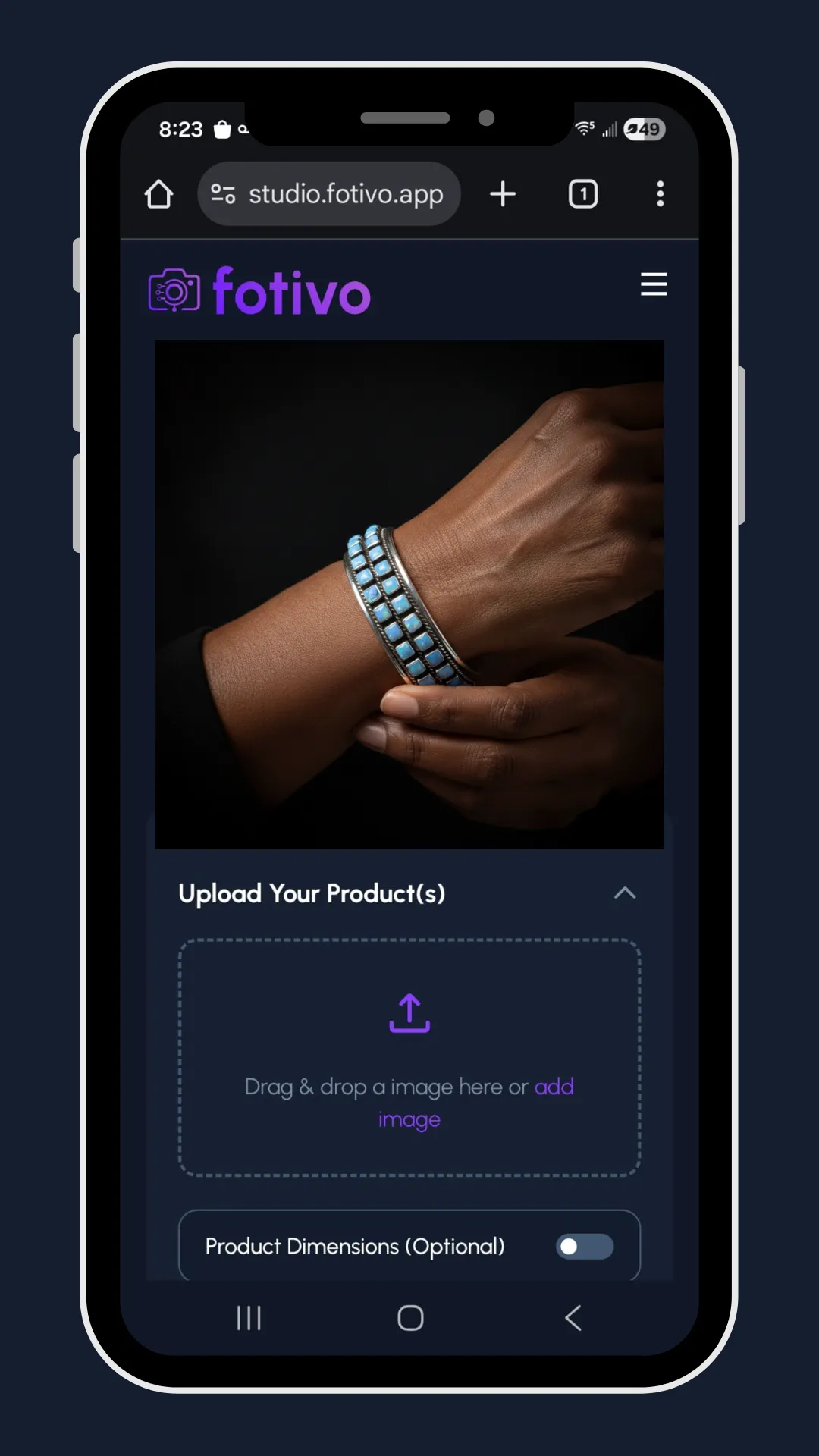
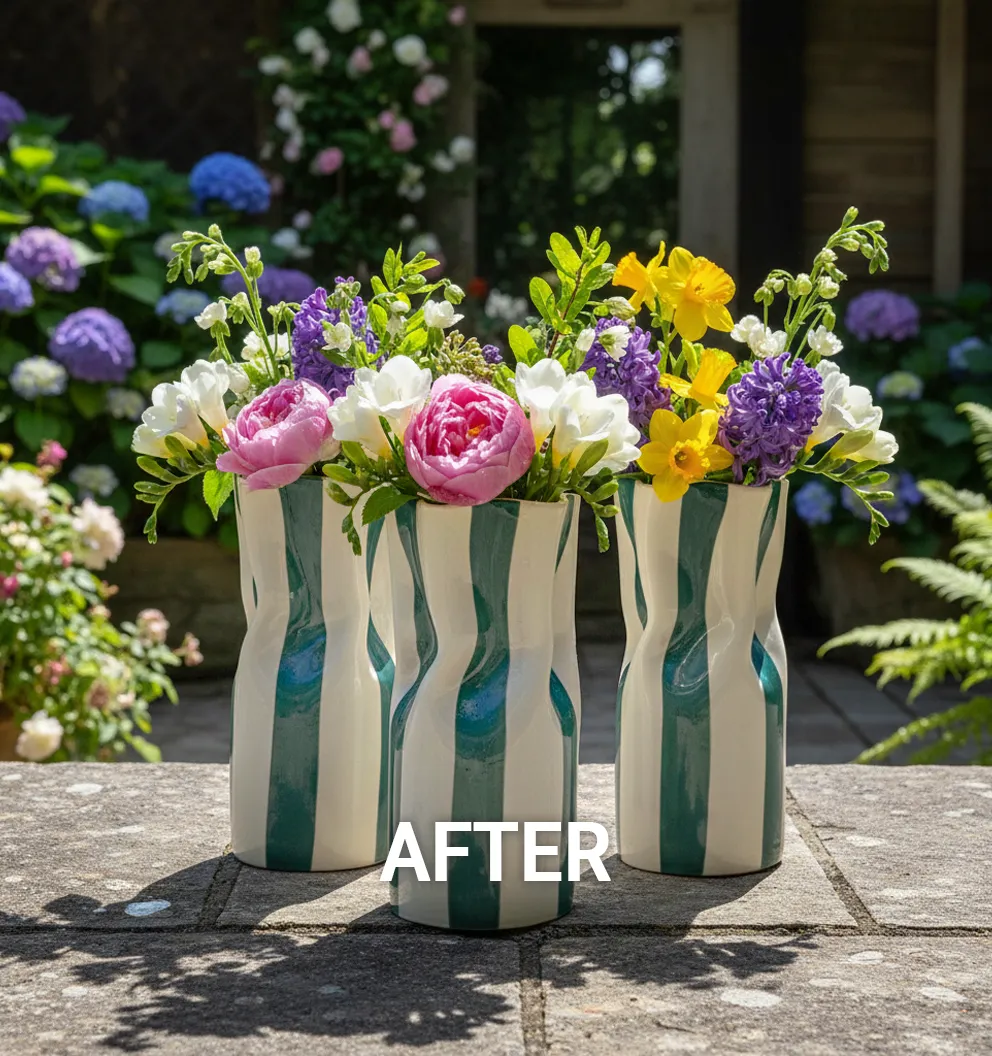
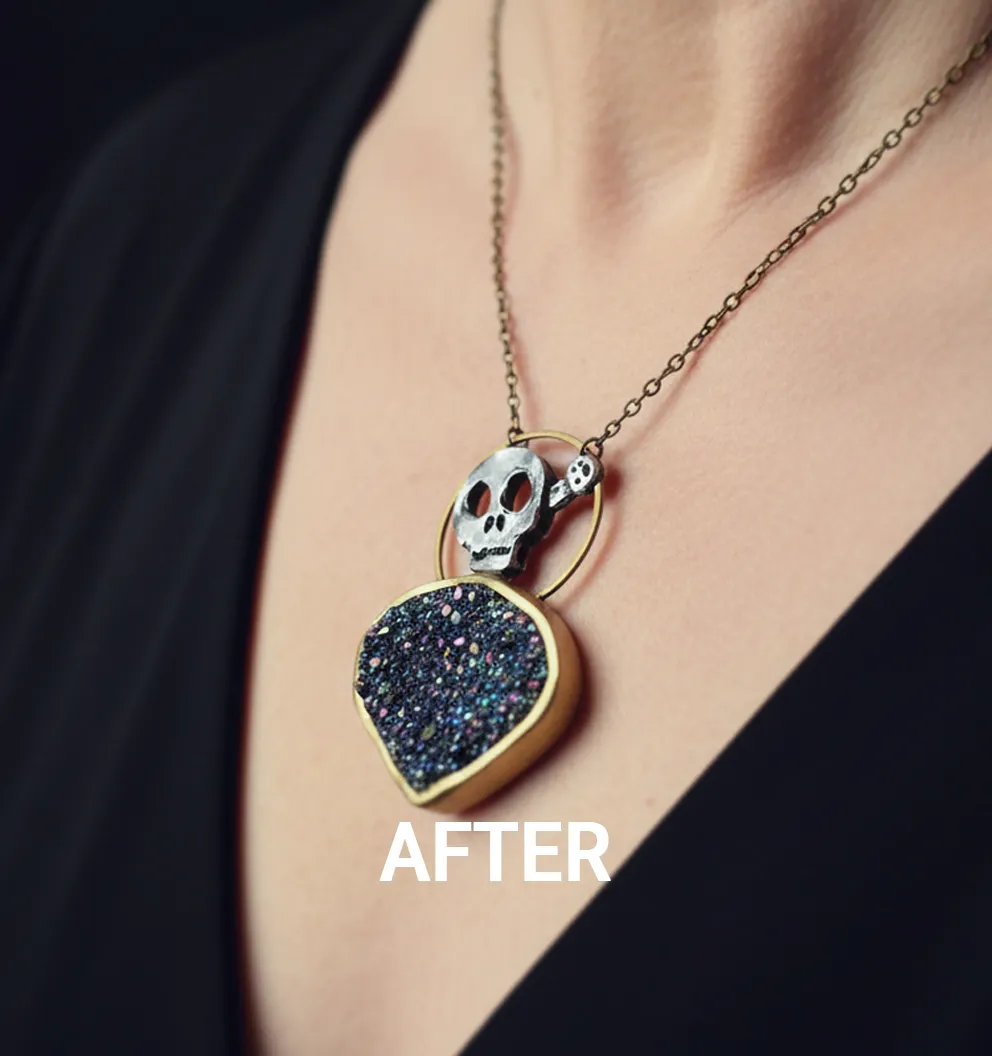
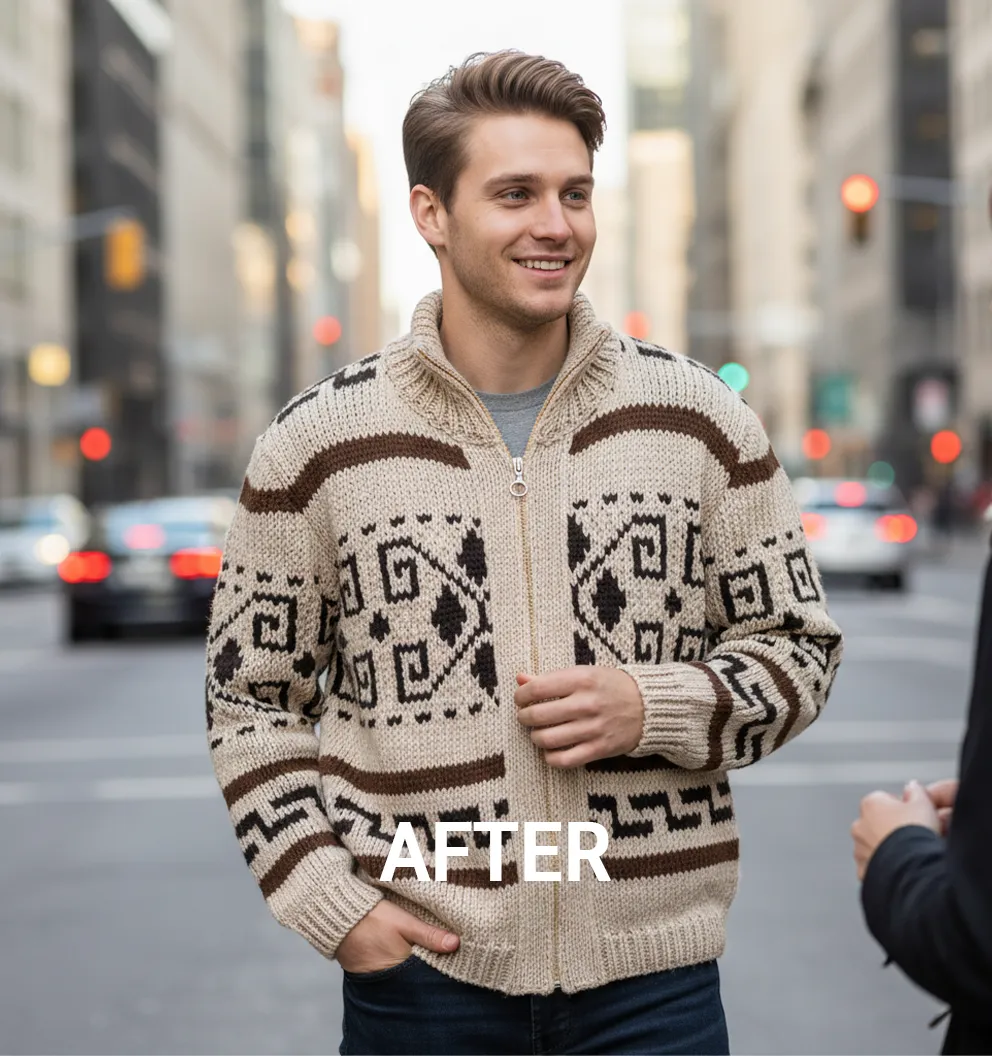
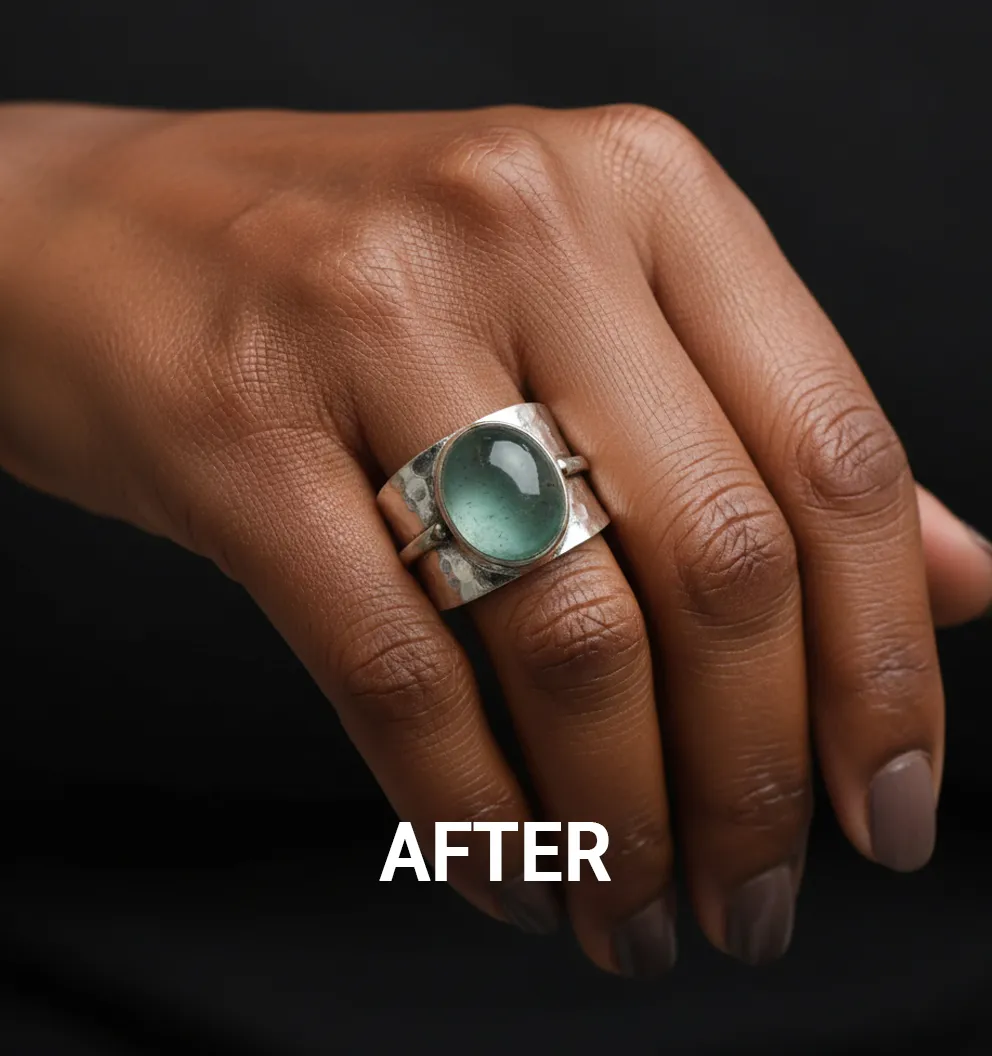
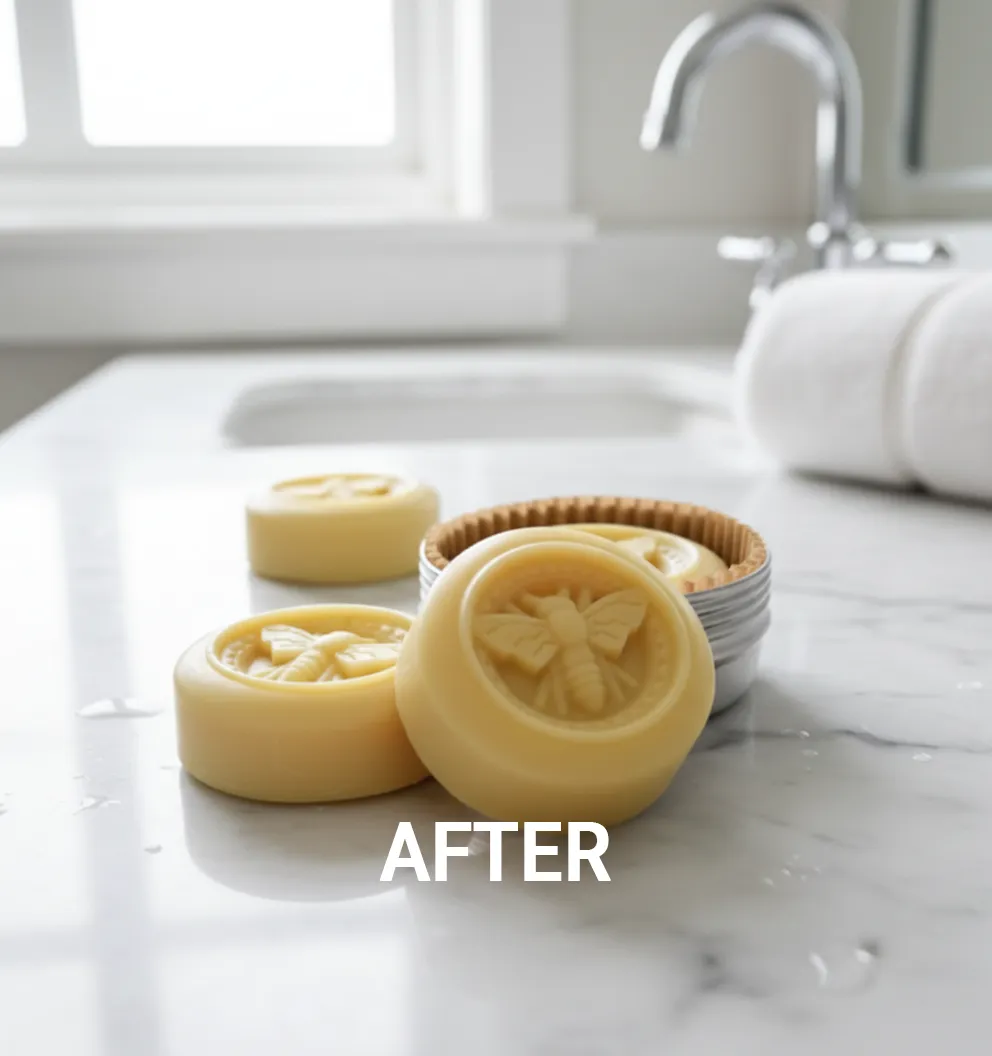
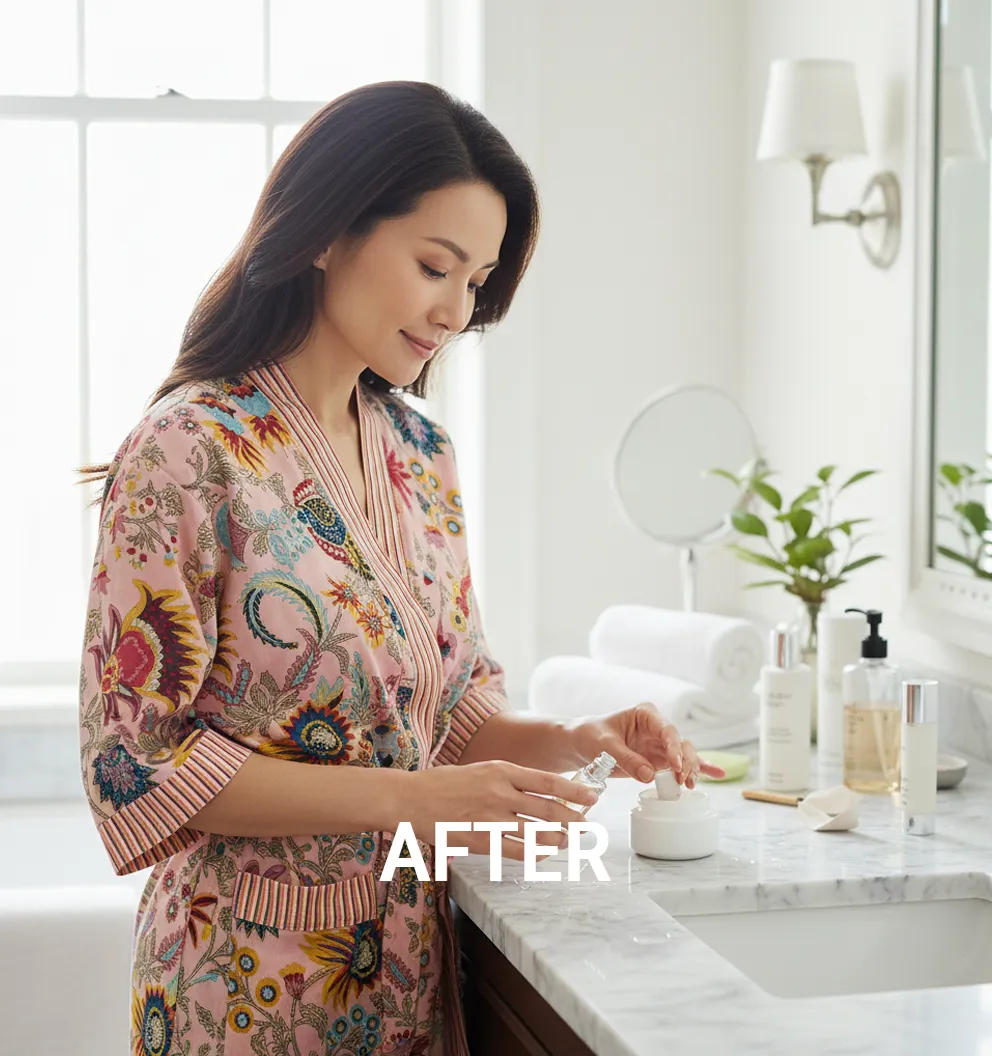
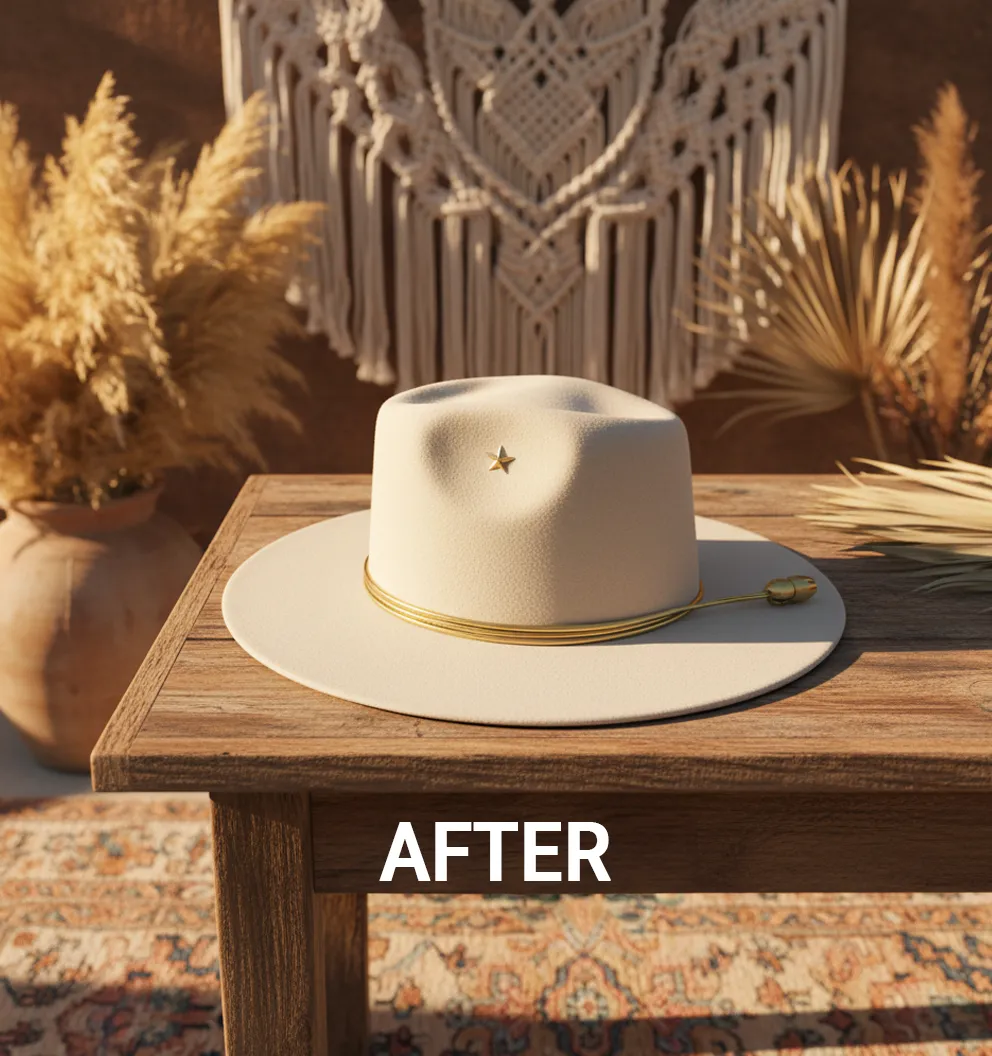
Product image generated by FotivoFotivo
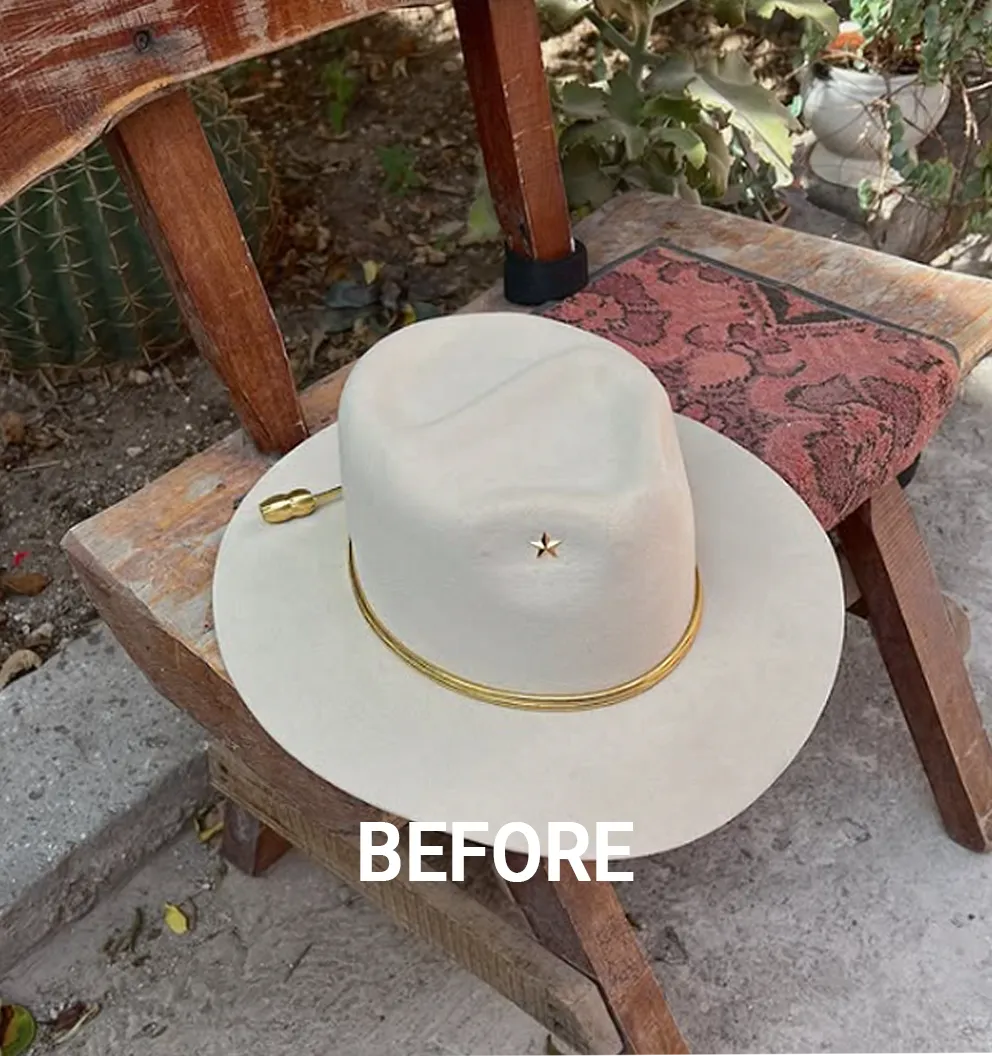
Original phone snapshot of the productSnapshot
Overview

Turning product photography from a bottleneck into an on-demand creative workflow.

Fotivo helps eCommerce brands, creators and marketing teams turn ordinary product photos into polished, marketing-ready visuals in seconds. We engineered it to cut the dependency on traditional photoshoots and give teams a faster, repeatable way to create imagery for stores, ads, campaigns and social.

5Creative choices replace a written prompt
13Professional lighting styles, one click each
4Variations from a single generation
3Steps from phone snapshot to finished image
Fotivo case studyOverview
The industry problem

Brands need more visual content than photoshoots can keep up with.

Every new visual direction becomes a production exercise. For larger brands that means cost and coordination. For smaller businesses it can put quality imagery out of reach.

The bottleneck is no longer taking one good photo. It's producing enough high-quality variations, fast enough to keep pace with digital marketing.

One product, many places it has to look good

Product pages
Marketplace listings
Paid ads
Social media
Seasonal campaigns
Product launches
Email marketing
Brand content

Each new look usually needs

A photographerStudio spaceLightingPropsBackgroundsPost-production
Fotivo case studyProblem
The challenge

Professional imagery without becoming a photographer or a prompt engineer.

A simple product upload had to become a controlled creative workflow. And for businesses producing a lot of content, speed alone wasn't enough: the results had to look like the same brand, every time.

Creative generation

Produce polished product imagery quickly, from an ordinary photo.

Brand consistency

Make sure repeated generations keep one coherent visual identity.

Fotivo case studyChallenge
Our approach

Designed around creative decisions, not AI complexity.

Instead of an open-ended prompt box, Fotivo structures generation around choices people already understand. Those choices are translated into the context the image model needs.

The AI stays sophisticated underneath. The experience feels closer to briefing a creative team than operating a model.

What users would otherwise have to write

"Ultra-photorealistic product shot of a ceramic mug on a rustic cafe table, warm golden hour light from the left, shallow depth of field, autumn leaves, earthy brown and cream palette, no text, no hands, 1:1..."

Replaced by a structured creative brief
Fotivo brief
Visual styleUltra-photorealistic
Seasonal themeAutumn
LightingGolden hour
EnvironmentCafe table
Brand directionBrand kit: warm and earthy
Fotivo case studyApproach
Solution architecture

A repeatable path from product image to marketing asset.

Each stage removes friction that normally comes with creating new product visuals.

1Upload
2Define direction
3Generate
4Review
5Reuse

Product input

The uploaded photo anchors generation. The product stays; the scene changes.

Creative direction

Style, season, lighting and environment become repeatable parameters.

Generative AI

Google Gemini Nano Banana transforms the product to match the brief.

Brand intelligence

Reusable brand references keep every generation consistent.

Asset library

Output is stored centrally to review and reuse across campaigns.

Fotivo case studyArchitecture
studio.fotivo.app
Fotivo studio with navigation, canvas and the creative control panel
The studio

One screen from upload to generate.

Upload productsOne snapshot works. Multiple angles work better.
Creative controlsStyle, models, scene, prompt and saved recipes
CanvasResults appear in the centre, ready to review
Credits and plansUsage tracked right in the sidebar
Fotivo case studyStudio
Creative controls

Full studio control, in plain language.

Every option is a decision a photographer would make: camera position, perspective, environment, lighting and placement. Advanced users can still add custom instructions or tell the model what to avoid.

Upload, visual style and model controls
Product and styleBrand style, human or animal models
Scene settings for theme, camera, environment, lighting and aspect ratio
Scene settingsCamera, environment, lighting, ratio
Prompt settings, saved recipes and generate button
Prompt and recipesCustom and negative prompts, saved setups
Fotivo case studyControls
From snapshot to studio-style visual

Three steps, no physical setup.

The product already exists, so there's no need to rebuild a scene every time new creative is needed.

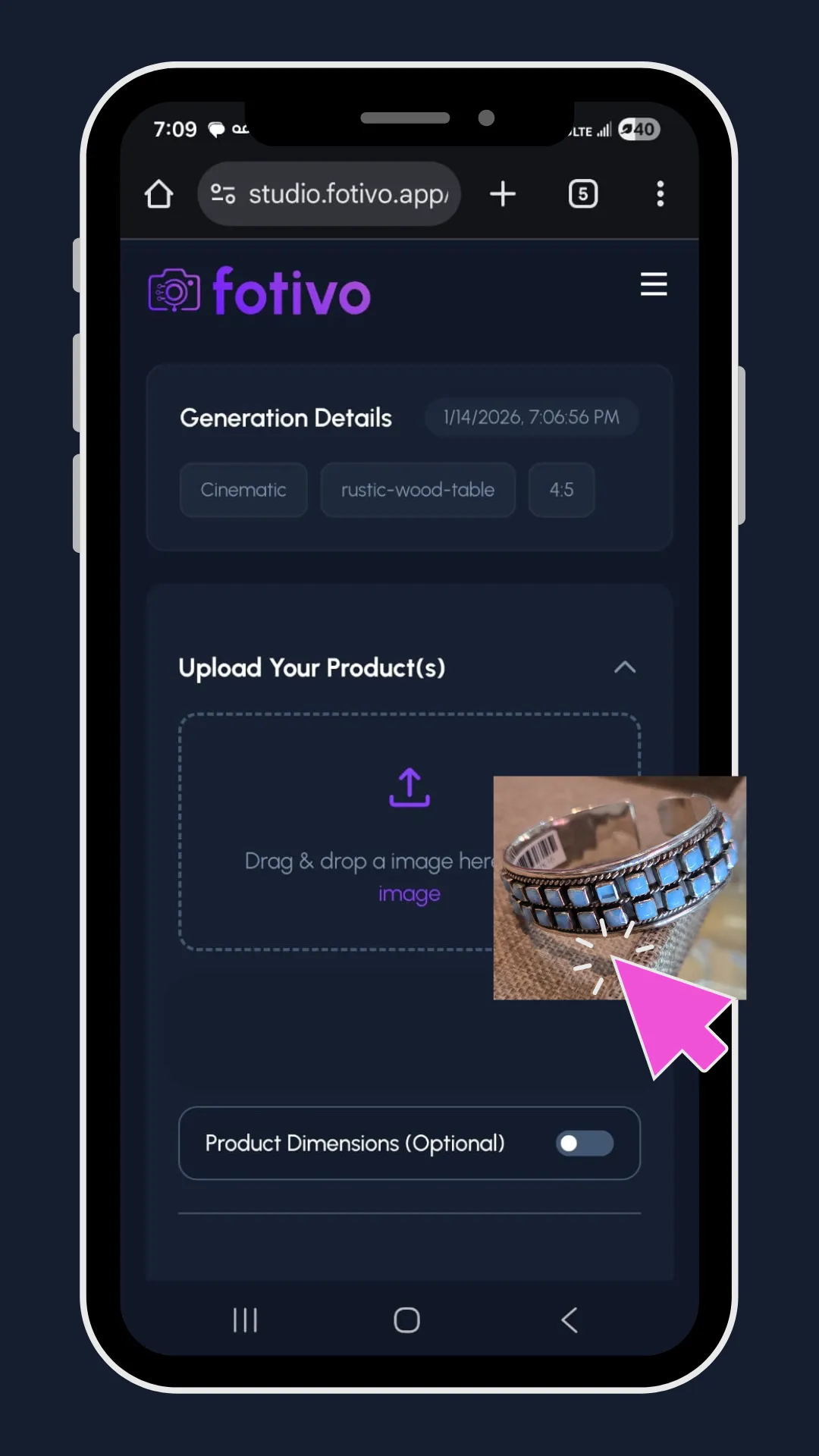
Uploading a product photo
1

Upload a photo

A quick phone snapshot works. Two or three angles are even better.

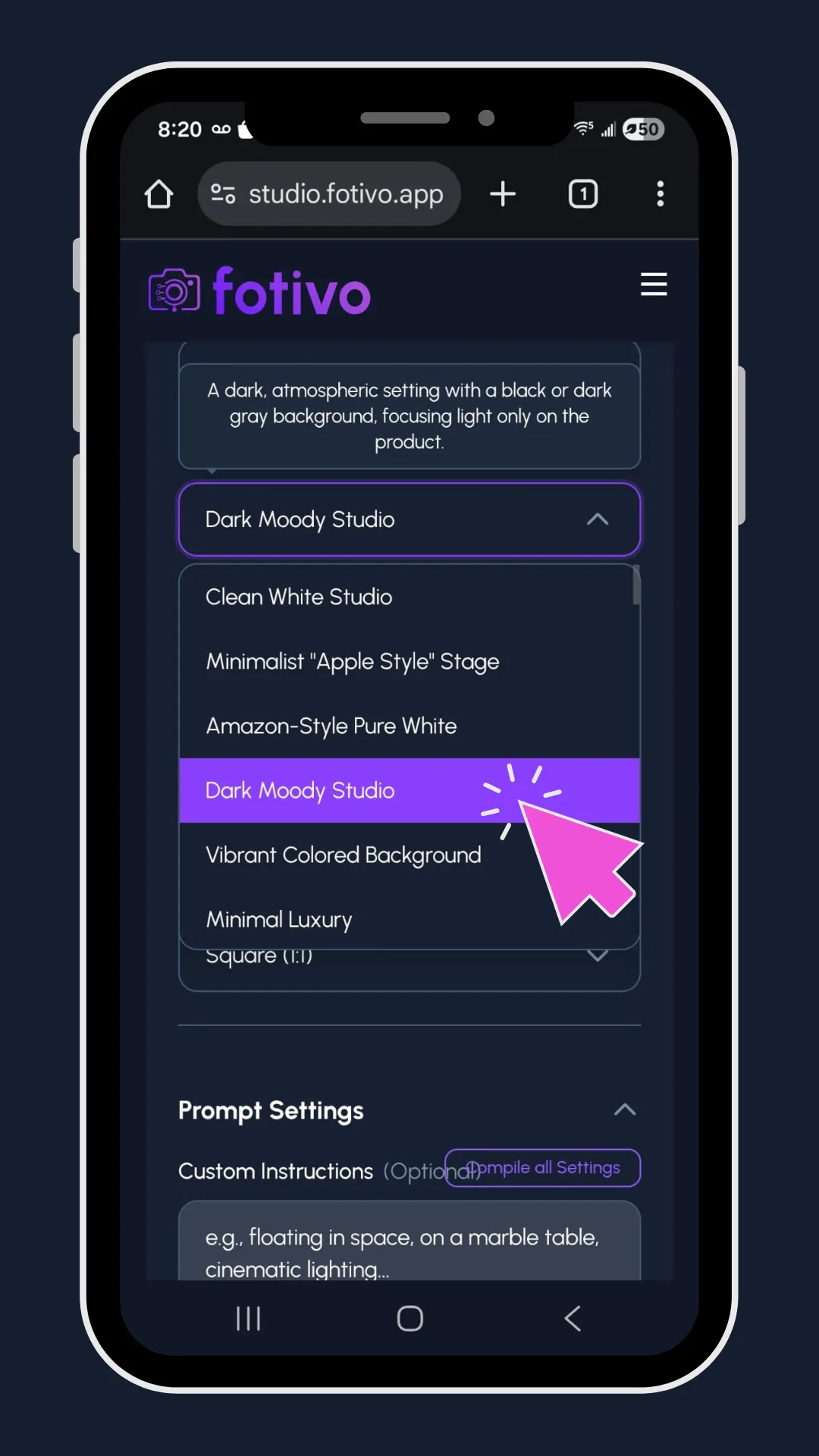
Choosing a scene
2

Choose the vibe

Pick a curated scene, like a cafe table or luxury studio, or describe your own.

Adjusting and generating
3

Adjust and generate

Refine lighting, angle and distance, add a model, and generate.

Fotivo case studyHow it works
Original snapshot
Fotivo result
SnapshotFotivo
Before and after

Same product. A completely different photo.

Drag across the image to compare. Pick another product below.

Shots load live from fotivo.app
Fotivo case studyBefore and after
What it can do

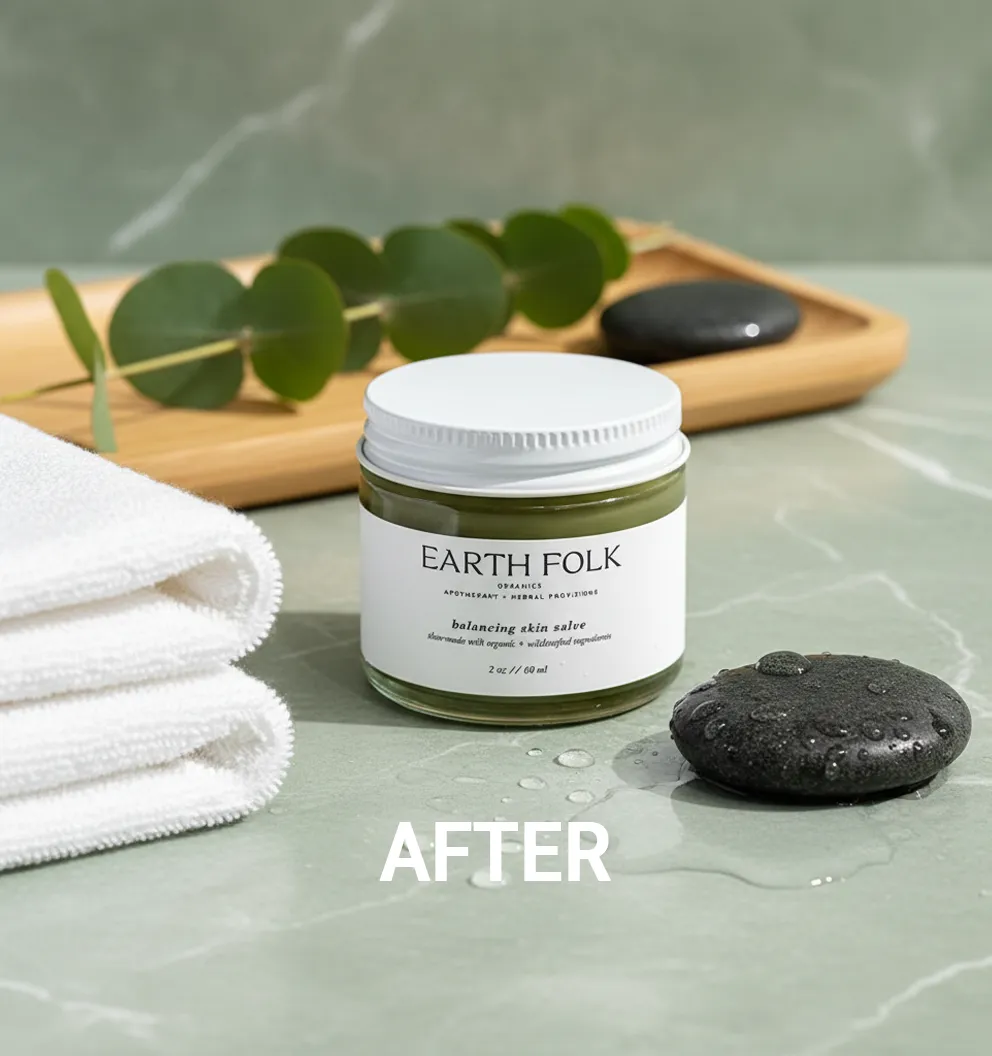
One source photo, many visual treatments.

Product photography shifts from a one-time production into a reusable digital workflow.

Studio presentationPolished, controlled professional look
Background transformationNew environments, no physical set
Seasonal creativeCampaign imagery for any occasion
Lighting variationA new character from a new light
Marketing variationsSeveral creative routes from one product
Generated product shot
Fotivo case studyTransformations
Brand consistency

Every image still looks like the same brand.

Attractive AI images have limited value if each one has a different look. With Brand Style, a few reference images become a reusable profile, so the brand itself becomes part of every generation. Favourite setups can also be saved as one-click recipes.

Step 1

Upload 3 to 5 references

Step 2

Fotivo extracts the brand profile

Colour palette
Lighting styleWarm, soft, natural
Visual directionEarthy and handmade
AestheticCalm, minimal styling
Step 3

Every future image follows it

Example brand profile
Fotivo case studyBrand style
Supporting the marketing lifecycle

Designed around where the images will be used.

Fotivo isn't for making pictures in isolation. Output is built for the channels where product businesses constantly need new assets.

eCommerce

Stronger store visuals without a shoot for every listing.

Paid ads

Multiple creative directions to test around one product.

Social media

Fresh imagery for new themes and moments.

Seasonal campaigns

Existing photos adapted to each season.

Product launches

Less time between a product photo and launch creative.

Generated asset library

Every generation is kept in one workspace, so teams review and reuse creative instead of re-downloading and recreating it.

Fotivo case studyLifecycle
The business impact

Faster, cheaper visual production for product businesses.

Fewer photoshoots

New imagery without organising a shoot for every campaign.

Lower production cost

Less repeated studio setup, props and production resources.

Faster campaigns

From source photo to marketing-ready creative in far fewer steps.

More variations

Explore several concepts without multiplying effort.

Stronger consistency

Brand references keep every image on-brand.

Scalable production

The same workflow repeats across products and channels.

Fotivo case studyImpact
The outcome

From occasional photoshoots to continuous creative production.

Before

  • Each new look needs a new shoot
  • Studio, props and post-production every time
  • Creative output limited by logistics
  • Every image styled from scratch

With Fotivo

  • New creative from existing product photos
  • Scenes, lighting and seasons in a few clicks
  • Output that scales with marketing demand
  • Brand profile applied automatically
Fotivo case studyOutcome
Solution ecosystem

Four capabilities, one creative workflow.

AI product photography

Generation
  • Product upload
  • Studio-style generation
  • Background transformation
  • Environment generation
  • Lighting variation

Creative direction

Controls
  • Style selection
  • Seasonal themes
  • Lighting controls
  • Environment selection
  • Visual preview

Brand intelligence

Consistency
  • Brand reference uploads
  • Colour palette detection
  • Lighting-style recognition
  • Visual direction analysis
  • Reusable brand profiles

Marketing assets

Output
  • Generated image library
  • Product-page imagery
  • Advertising creative
  • Social content
  • Seasonal campaign assets
Fotivo case studyEcosystem
Technology behind the solution

A fast generative workflow that stays simple.

The creative workflow is separated from the AI generation layer, so users, brand profiles, settings and output are managed independently of the image model itself.

FrontendNext.jsStudio, library and account experience
BackendNode.js and Express.jsUsers, brand profiles and generation settings
AI generationGoogle Gemini Nano BananaProduct-anchored image generation
DataPostgreSQLAccounts, recipes and asset records
InfrastructureAWSHosting, storage and delivery
Fotivo case studyTechnology
JinnByte
Fotivo is live

Built end to end by JinnByte.

Product development and launch for an AI product photography studio, from creative controls to brand intelligence.

Thank you
1 / 18